Technology
One view for many buildings: what portfolio owners need
Multi-site building monitoring works when every building is measured, named and reported the same way. What portfolio owners need: comparable metrics, naming, alerts, access control and reporting.

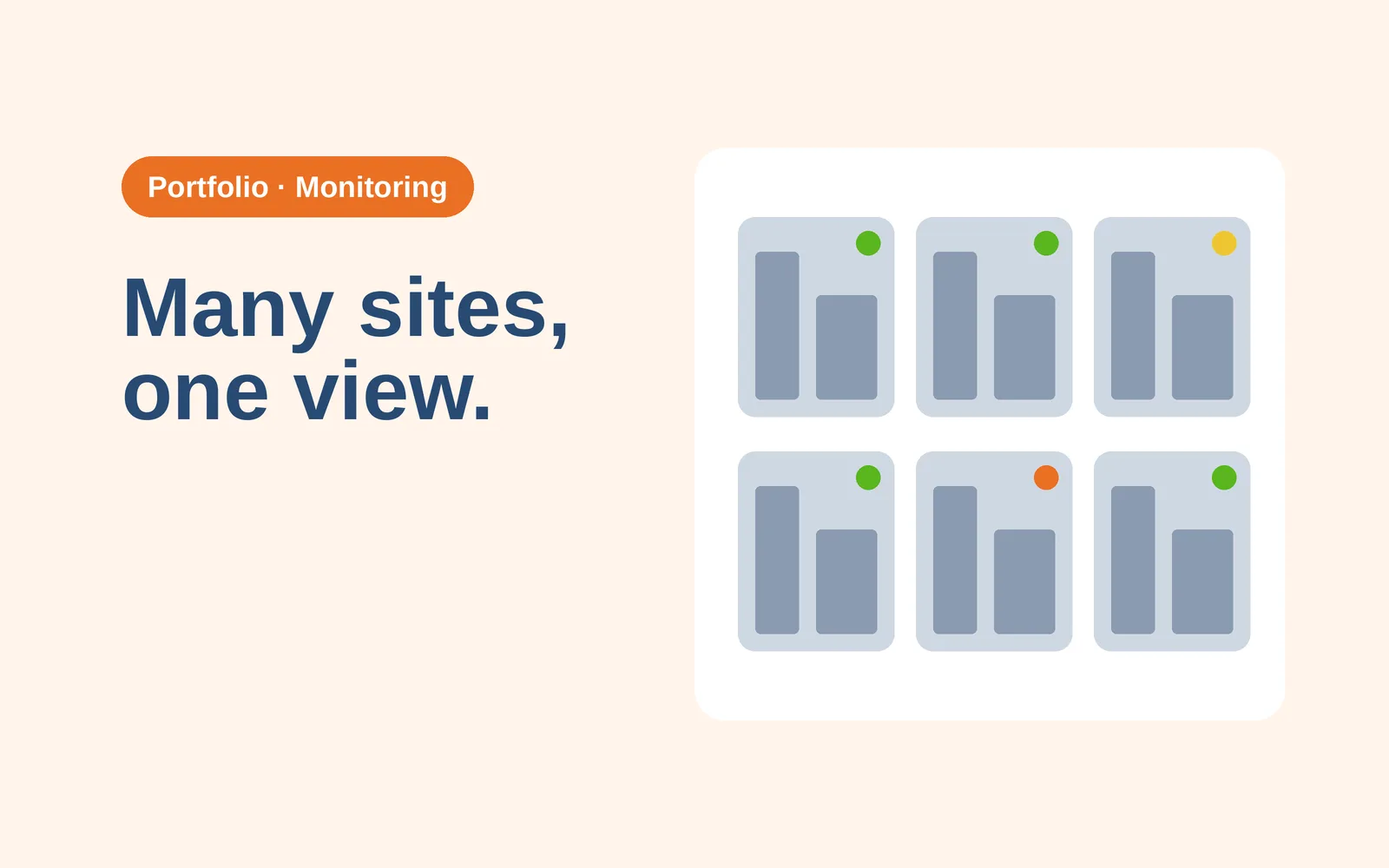
Multi-site building monitoring puts every building in a portfolio on one screen. The screen is the easy part. Whether the view is useful depends on the data underneath: whether the same thing was measured, named and summarized the same way in every building. An owner whose sites each name rooms and points in their own way has a set of separate dashboards behind one login.
Comparable metrics across sites
ENERGY STAR Portfolio Manager is an online platform for evaluating portfolio-wide and individual building performance. ENERGY STAR's overview says it tracks energy, water, waste and greenhouse gas emissions, reports weather-normalized energy use intensity (EUI, energy use per unit of floor area) and, for many building types, a 1 to 100 ENERGY STAR score. ENERGY STAR's page on analyzing results says a score of 50 is the median and that the score compares buildings with the national population.
Two details of Portfolio Manager bear on comparability. Its 101 material lists at least 12 months of consumption data among the prerequisites for benchmarking, and a building is described by choosing from 18 broad categories and 80 functions, plus use details such as operating hours and number of workers. ENERGY STAR says the score does not compare buildings with others in Portfolio Manager. For that, Portfolio Manager groups buildings by function, size, location or metering scenario and compares weather-normalized EUI, cost, water use or emissions across the group.
Indoor conditions need the same discipline. EN 16798-1:2019 defines four categories of indoor environment (I to IV), and its technical report CEN/TR 16798-2:2019 covers long-term evaluation methods and parameters for monitoring existing buildings. If every site reports the share of occupied hours inside the range of the same category, for the same parameters, rooms and buildings can be compared. If one site reports averages and another reports peaks, they cannot. This is a practical suggestion.
Directive (EU) 2024/1275, Article 13(10), says building automation and control systems must be capable of benchmarking the building's energy efficiency, detecting losses in efficiency of technical building systems and informing the person responsible for the facilities or technical building management about efficiency improvement opportunities. This applies where national rules require such systems (see the EPBD on one page). The paragraph speaks of the building. Any comparison across a portfolio is the owner's own addition.
Consistent naming for multi-site building monitoring
Naming decides whether data from different sites can sit side by side. The Project Haystack guide specification (version dated 30 December 2021) says building data typically exists in a low-level ad-hoc format without standard or consistent organization, and that a point's meaning often has to be deciphered from an arbitrary name the system integrator gave it during configuration. Its example is an integrator labeling discharge air temperature "DA_TEMP". Haystack attaches tags (name and value pairs) to entities such as an air handling unit, a meter or a sensor point, and sets up a common vocabulary so that data carries a shared meaning.
A separate initiative, the Building Device and Asset Naming Standards (BDNS), describes an industry-wide naming convention framework for building devices and assets. One of its principles is that a device's identity and name remain consistent across the lifecycle of the device. BDNS says its intent is not to replace standards such as IFC, Uniclass and Brick Schema.
An owner without a tagging project can start smaller. This is a practical suggestion: write one naming rule and apply it at every site. A building code, a floor, a room and a room type chosen from a fixed list (meeting room, open office, classroom) is enough to start. The room type matters most, because it lets rooms of the same type be compared with each other across buildings.
Running a portfolio view day to day
This section is practical judgment, apart from the Portfolio Manager features it names.
In multi-site building monitoring, alerts need a threshold per room type, an owner for each alert and a way to see how long a condition has lasted. A portfolio view that sends every excursion from every site to one inbox is likely to be ignored. Start with a few rules tied to the contract or to the category in use, and add a rule when a real case shows the need.
Roles matter more in a portfolio than in one building. A site manager needs to see and act on their own building, a portfolio manager needs every site, and an outside contractor needs the sites they service and nothing else. Separate the permission to view from the permission to change settings or thresholds. Portfolio Manager has a similar feature on the data side: an owner can share full or limited information about a property with other users, and can give shared users edit or share access.
Reporting works best as one template for every site, with the same measures, ranges and definitions, produced on the same schedule. Portfolio Manager supports report templates for consistent reporting and custom portfolios with targets at building or portfolio level. A shared template also makes it obvious which buildings have no data.
What to check before choosing a system
These questions help when comparing any multi-site building monitoring system.
- Are the metric definitions the same for every site, and can they be read in the system?
- Can rooms be tagged with a type and a naming rule that the owner controls?
- Can the raw data be exported, and who owns it?
- Are roles limited by site and by action (view or change)?
- Does it handle buildings with and without a building management system? For the questions to put to a vendor, see [connecting new sensors to an existing BMS](/blog/connect-new-sensors-to-existing-bms-questions/).
Nomestic measures indoor climate room by room (CO2, temperature, humidity and more) and works with or without a building management system. Devices are wireless and battery-powered, so a room takes minutes to equip. More on the ClimateIQ platform.